You've got a gift for your Xbox!
A free copy of Xaar
Xbox Advanced AirPlay Receiver, on us.
Unwrap it one of two ways
Option 1
Redeem with the same account on the web
01On your computer
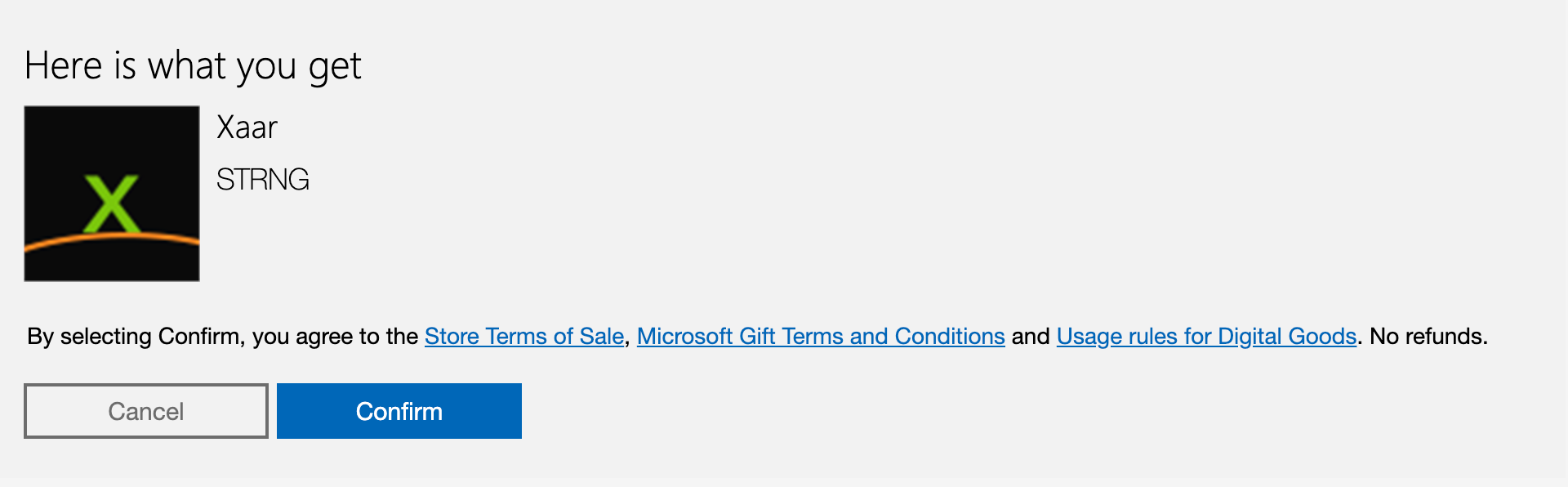
Open the link and confirm
Sign in with the same Microsoft account as on your Xbox and press Confirm.
02On the Xbox
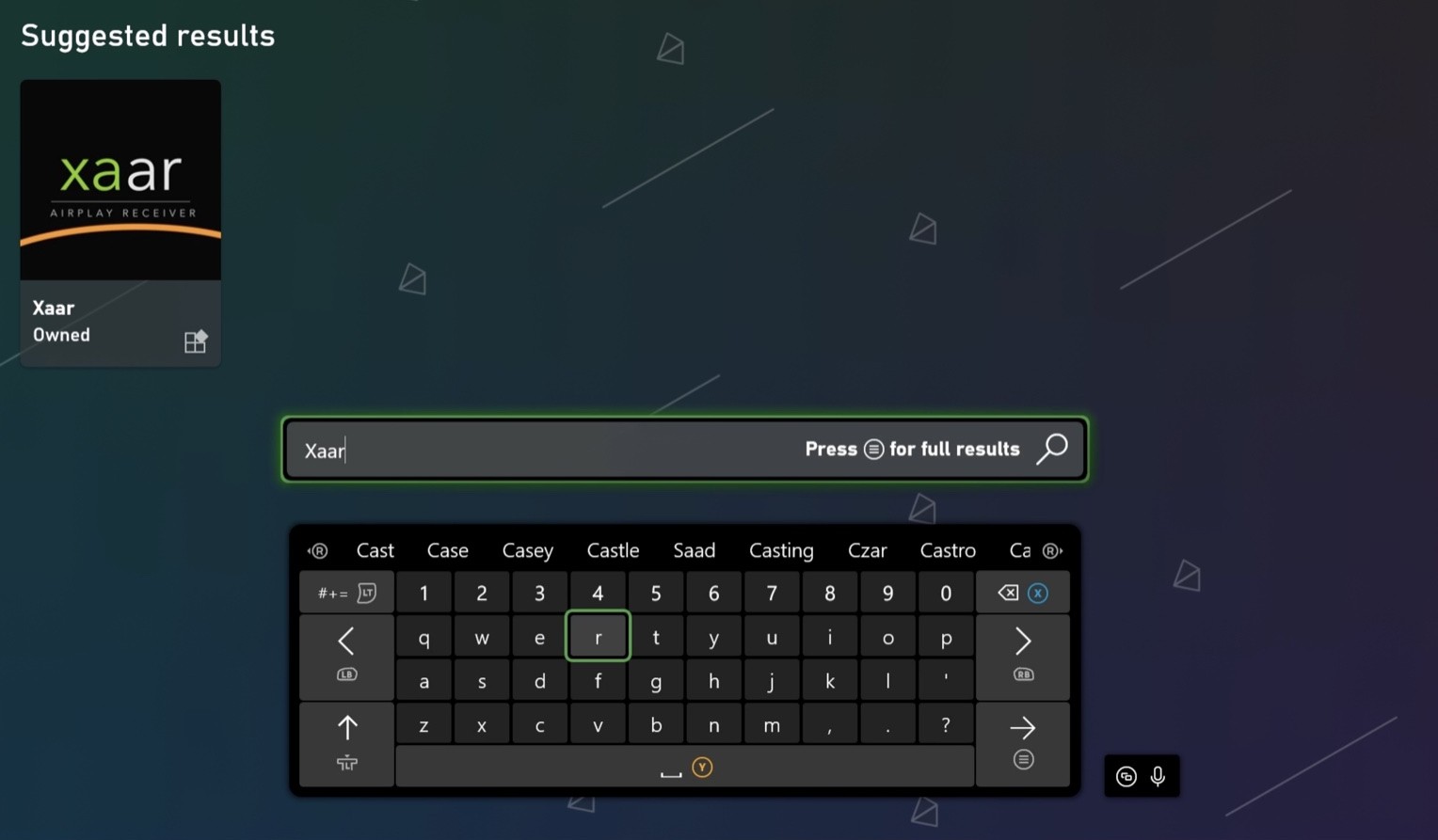
Find Xaar in the Store
Open the Store on the console and search for Xaar. The result is marked Owned.
03On the Xbox
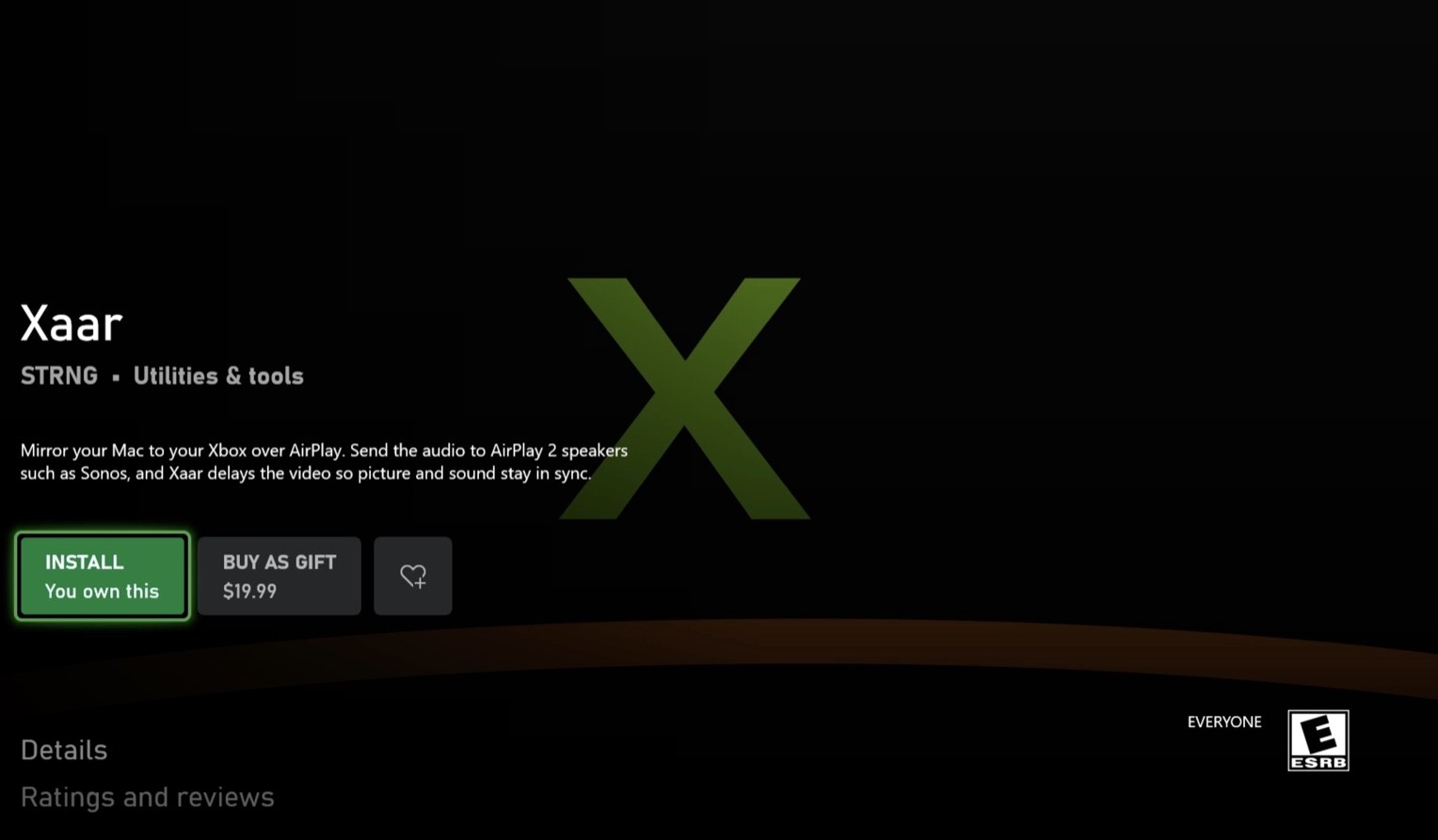
Install it
Open the listing and press Install — it says You own this. Launch the app and your Xbox shows up as an AirPlay target.
Option 2
Redeem on the console
Everything happens on the Xbox. Then install Xaar as in the last step above.
01On the Xbox
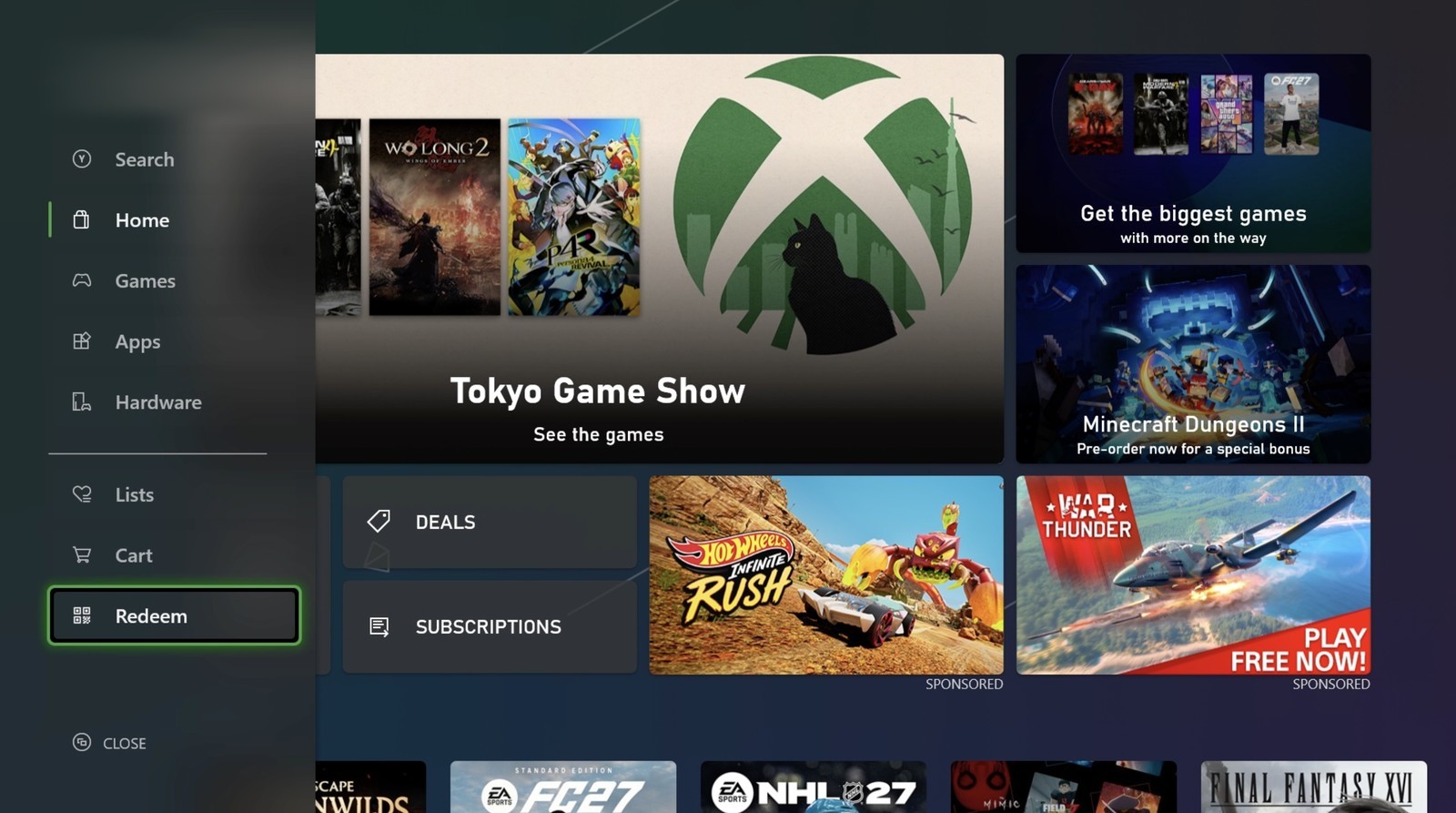
Open the Store and choose Redeem
Open the Microsoft Store on the console. Redeem is the last item in the menu on the left.
02On the Xbox
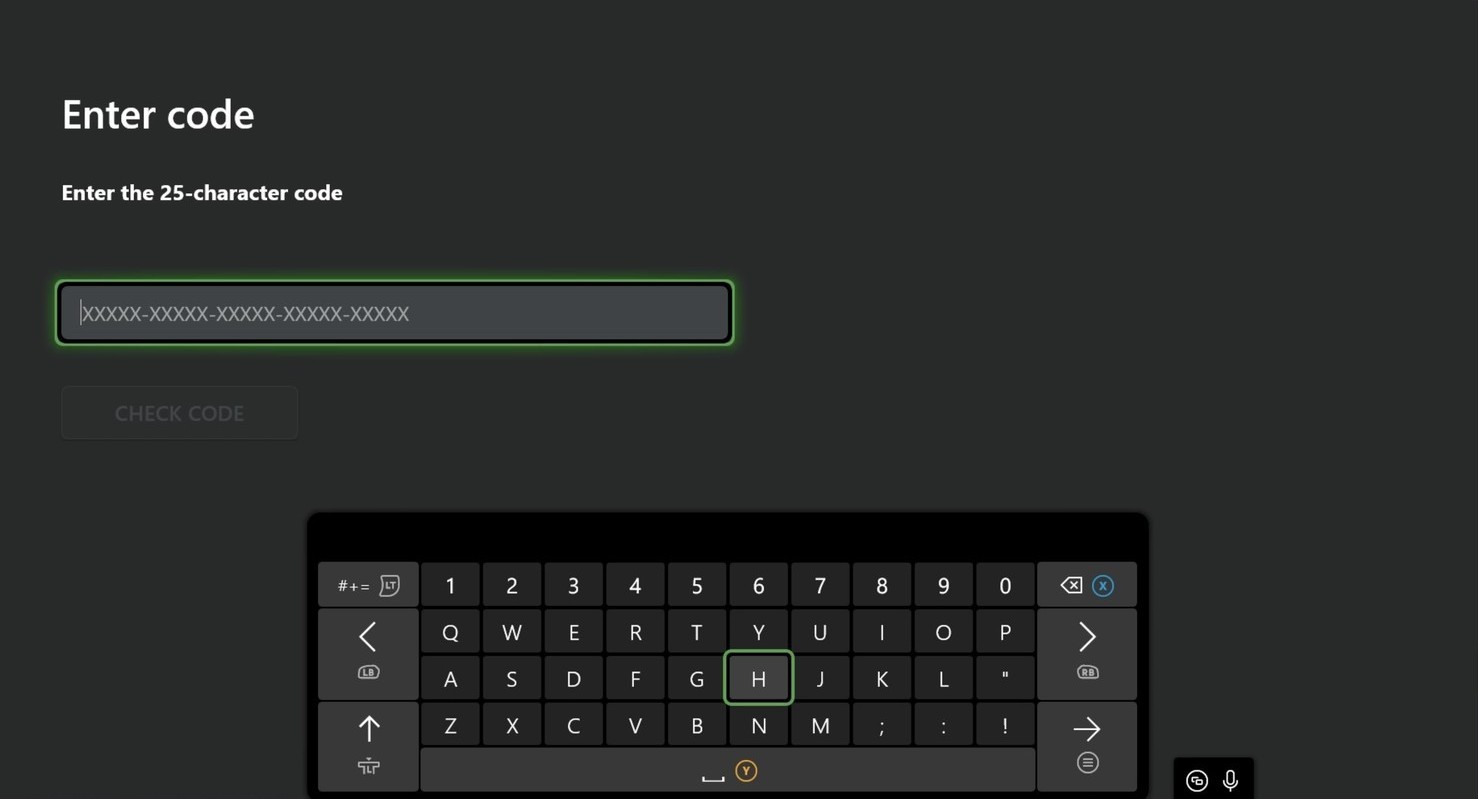
Type the key
Enter this key on the Enter code screen and press Check code. The app is added to your account at no cost.